
The Tironian field guide
Make more of
every conversation.
Practical guides to recording, private transcription, speaker labels, and useful follow-ups. Start with the basics, then build a workflow that fits.
 FEATURE GUIDE 01 · 1 MIN READ
Capture Your Voice and the Call in One Recording
When a conversation happens through your Mac, useful notes need both sides of it.
 FEATURE GUIDE 02 · 1 MIN READ
Turn a Recording into a Private, Timestamped Transcript
You do not have to replay an entire meeting to find one sentence.
 FEATURE GUIDE 03 · 1 MIN READ
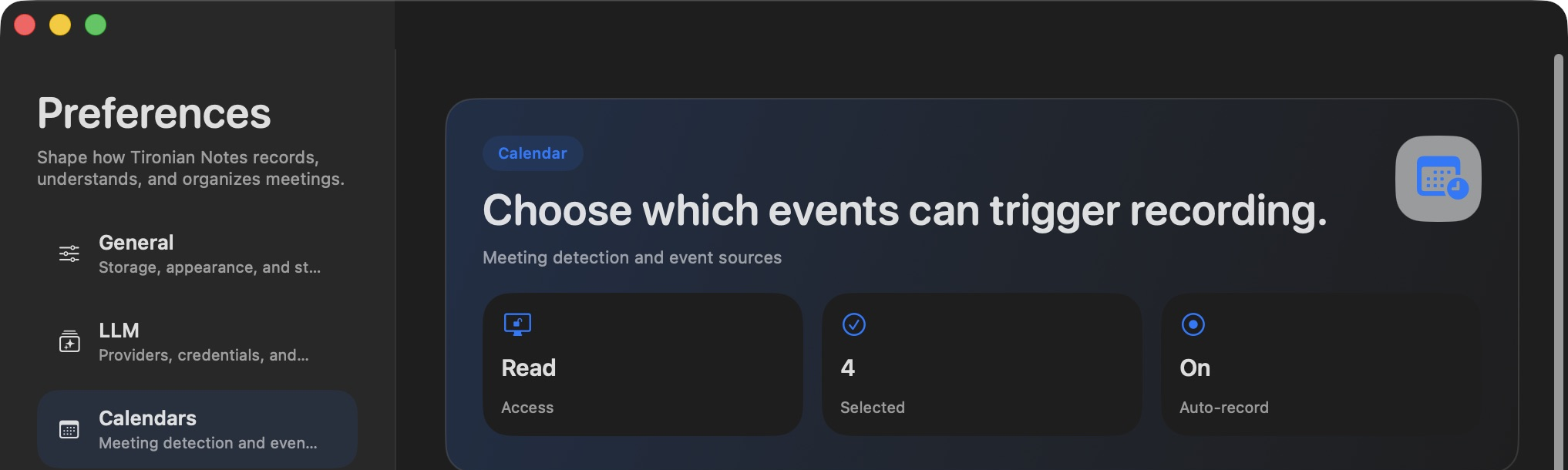
Let Your Calendar Start the Recording
If you regularly forget to press Record, calendar automation can start a meeting recording at the event time.
 FEATURE GUIDE 04 · 1 MIN READ
Get a Meeting Summary Without Rewriting Your Notes
A transcript preserves the conversation, but a summary makes it easier to pick out decisions and next steps.
 FEATURE GUIDE 05 · 1 MIN READ
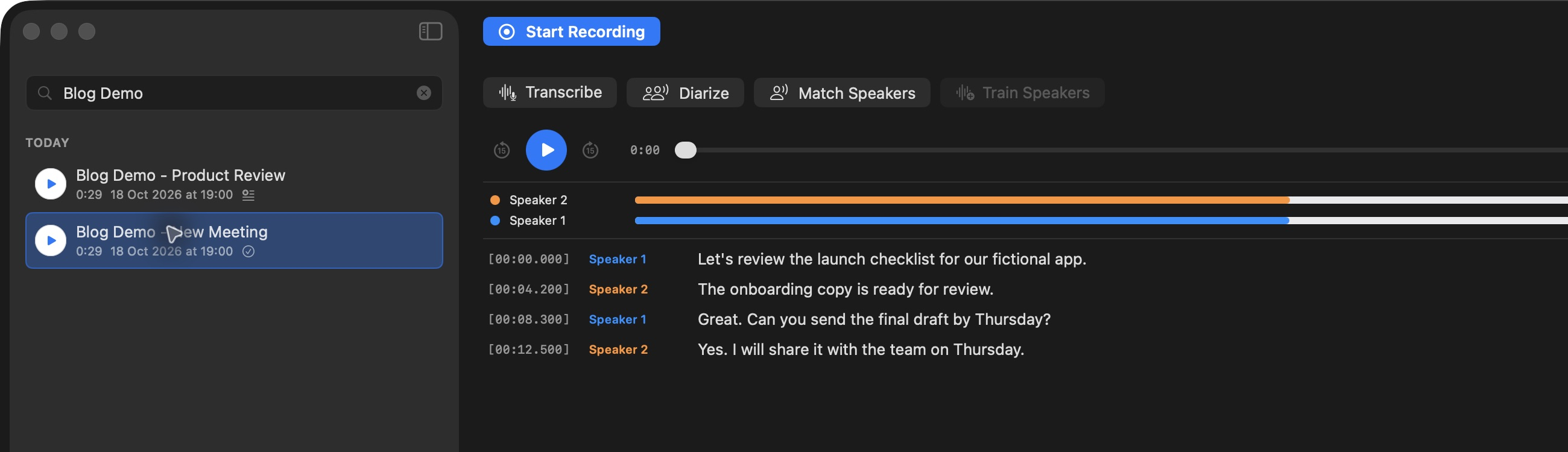
See Who Said What in a Meeting
A plain transcript tells you what was said.
 FEATURE GUIDE 06 · 1 MIN READ
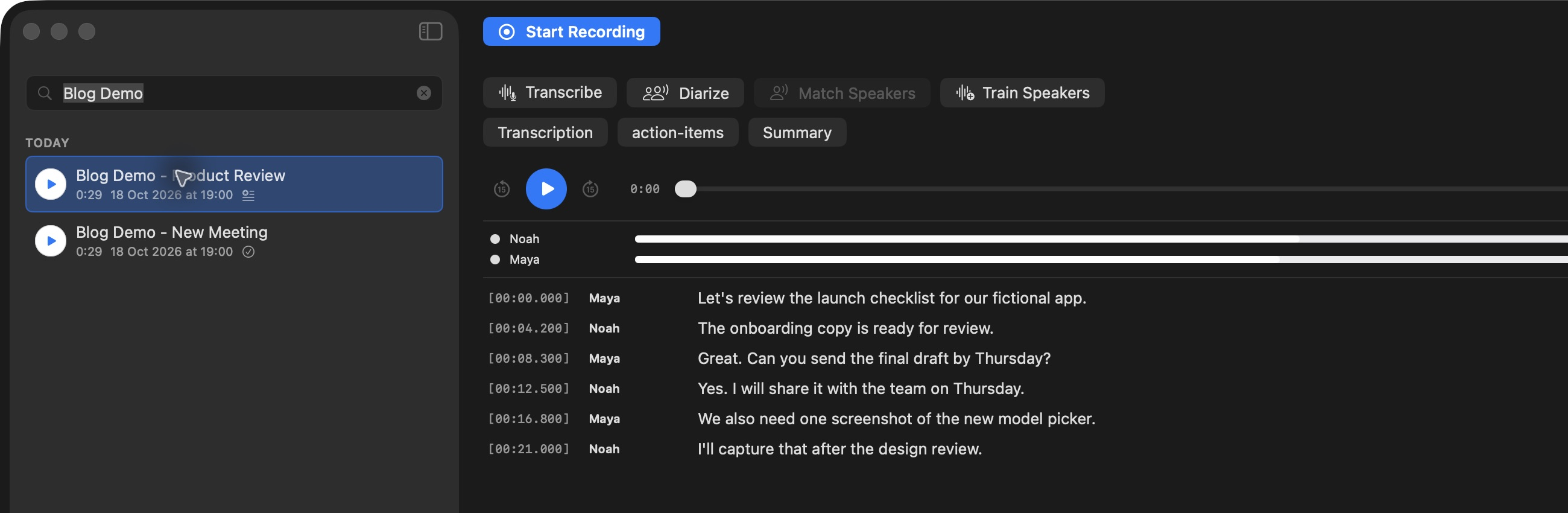
Recognize Familiar Voices in Future Meetings
Generic speaker labels become more useful when they correspond to people you meet often.
FEATURE GUIDE 07 · 1 MIN READJump Straight to the Moment Someone Said It
The fastest way to check a quote is to hear the moment it came from.
 FEATURE GUIDE 08 · 1 MIN READ
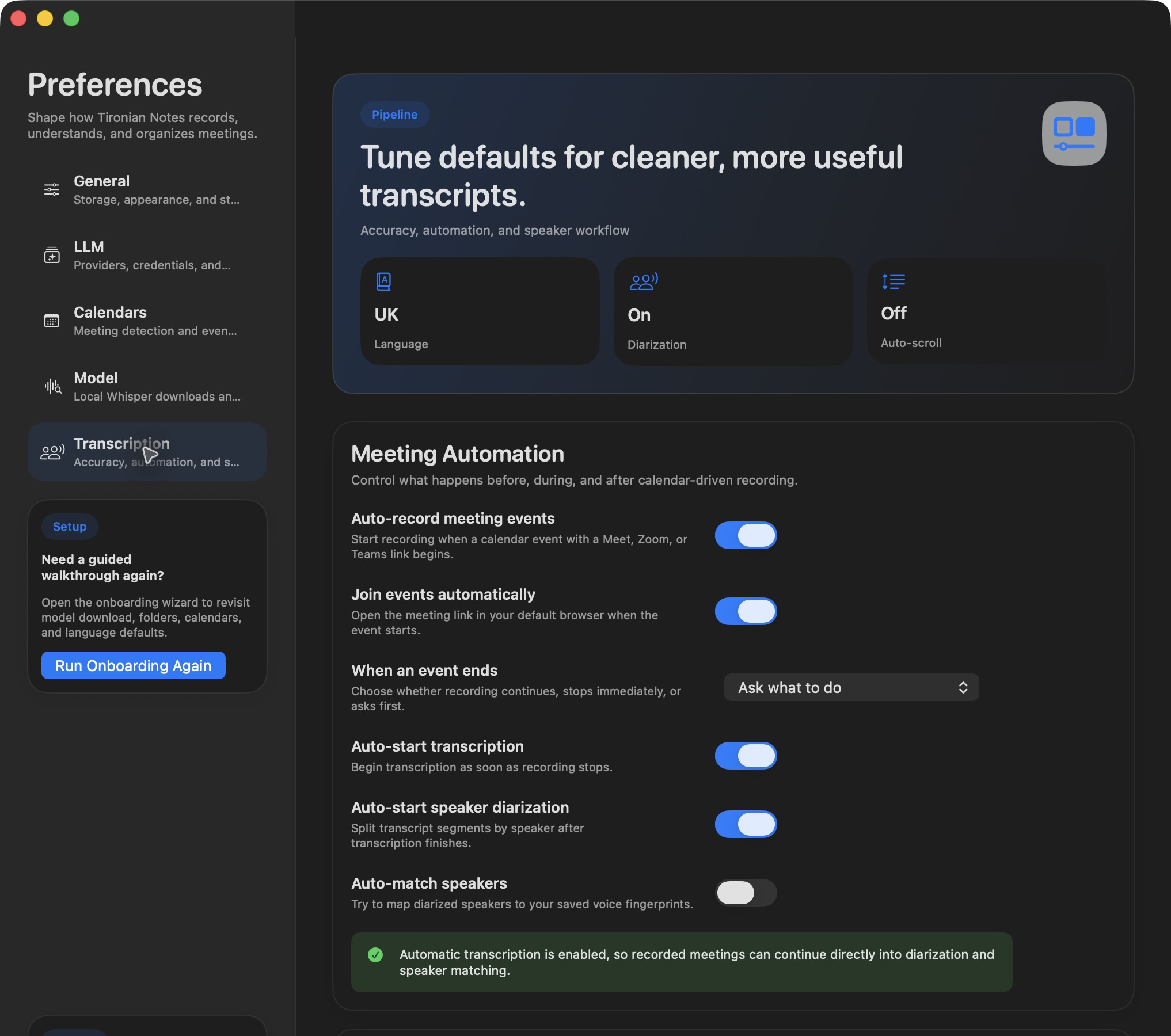
Finish Recording and Let the Next Steps Run
The recording can become a searchable, speaker-labeled transcript without three separate clicks.
 FEATURE GUIDE 09 · 1 MIN READ
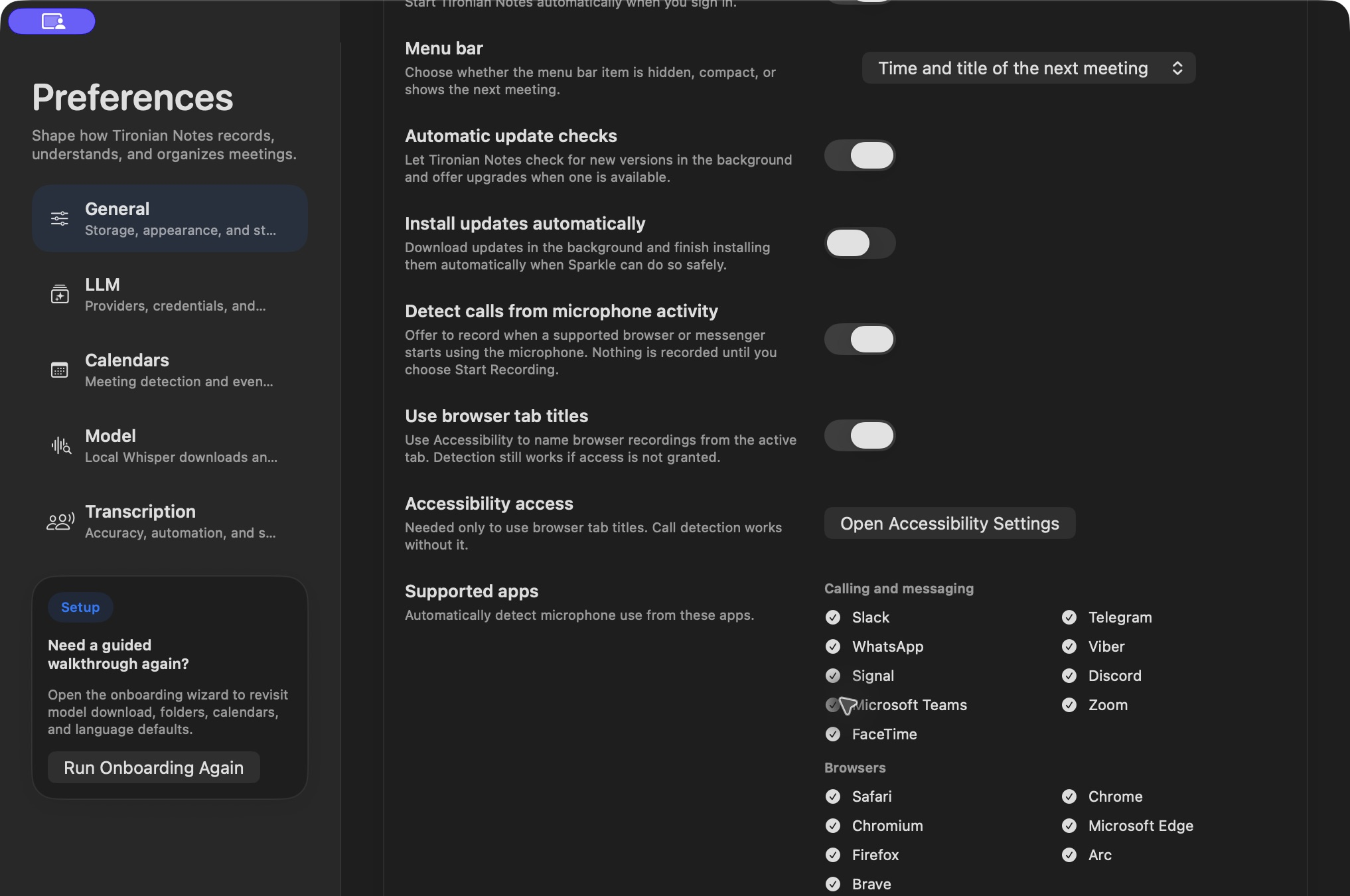
Get a Recording Reminder When a Call Starts
Calls do not always arrive as calendar events.
 FEATURE GUIDE 10 · 1 MIN READ
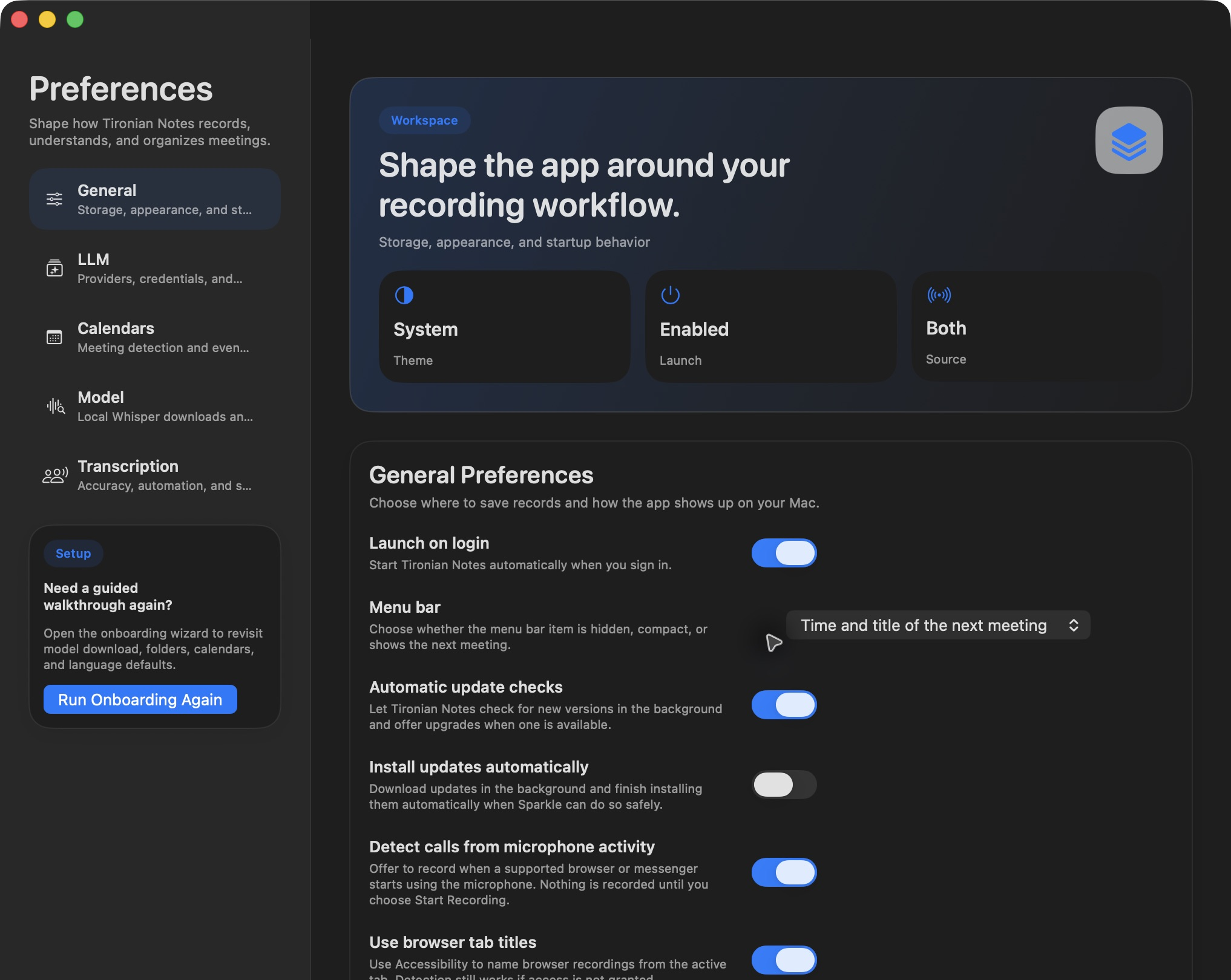
Join and Record Today’s Meeting from the Menu Bar
The Tironian Notes menu bar item can put today's linked meetings within reach even when the main window is closed.
FEATURE GUIDE 11 · 1 MIN READOpen the Meeting Link When the Event Begins
If you join the same kind of calendar meeting every day, Tironian Notes can open its meeting link when the event begins.
FEATURE GUIDE 12 · 1 MIN READStop on Time, Keep Recording, or Decide Later
Calendar meetings rarely end at exactly the scheduled minute.
FEATURE GUIDE 13 · 1 MIN READAvoid an Hour of Accidental Silence
It is easy to leave a recording running after everyone has left.
FEATURE GUIDE 14 · 1 MIN READSee Your Next Meeting Without Opening the App
When the main window is out of the way, the menu bar item can still show what is coming up.
FEATURE GUIDE 15 · 1 MIN READKeep the Meeting Details with the Recording
“What was this file for?” is a common problem when several calls happen on the same day.
FEATURE GUIDE 16 · 1 MIN READCorrect a Speaker Name Once—or Everywhere in the Transcript
Speaker diarization tells voices apart, but it starts with generic labels.
FEATURE GUIDE 17 · 1 MIN READKeep Your Speaker Library Organized
Named transcript lines are useful on their own.
 FEATURE GUIDE 18 · 1 MIN READ
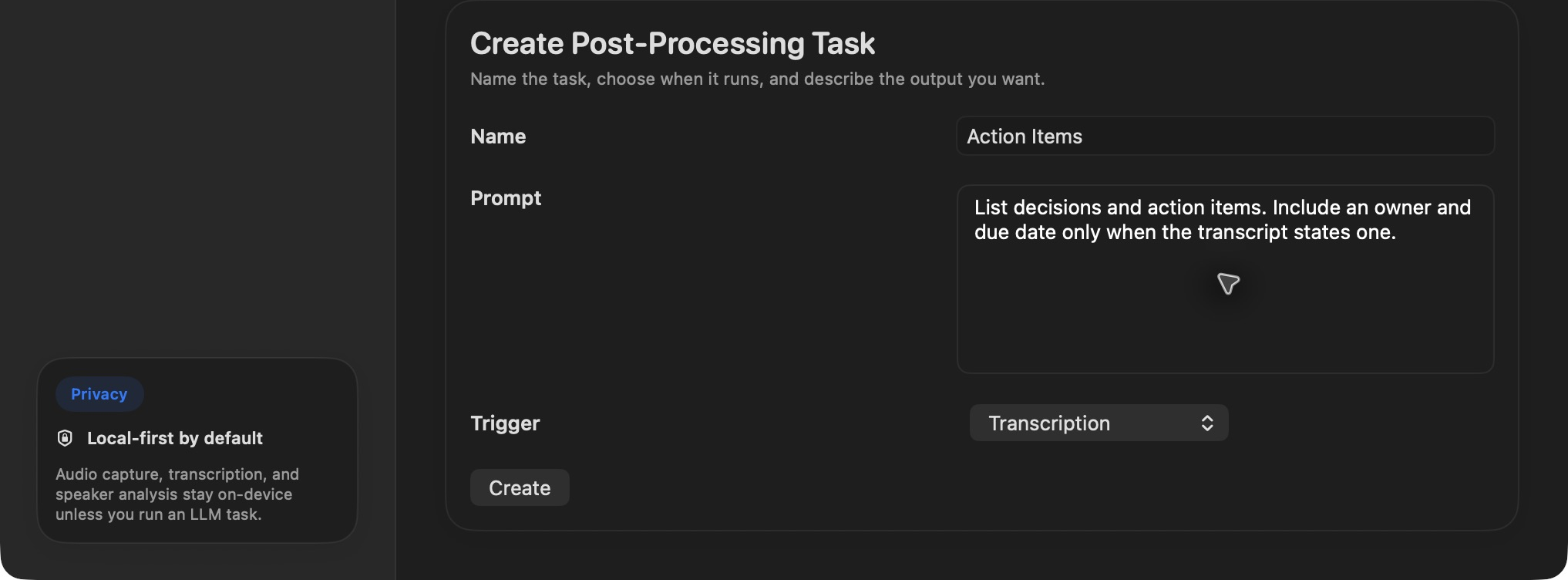
Make Your Own Action Items, Decisions, and Follow-Ups
A summary is one possible output from a transcript.
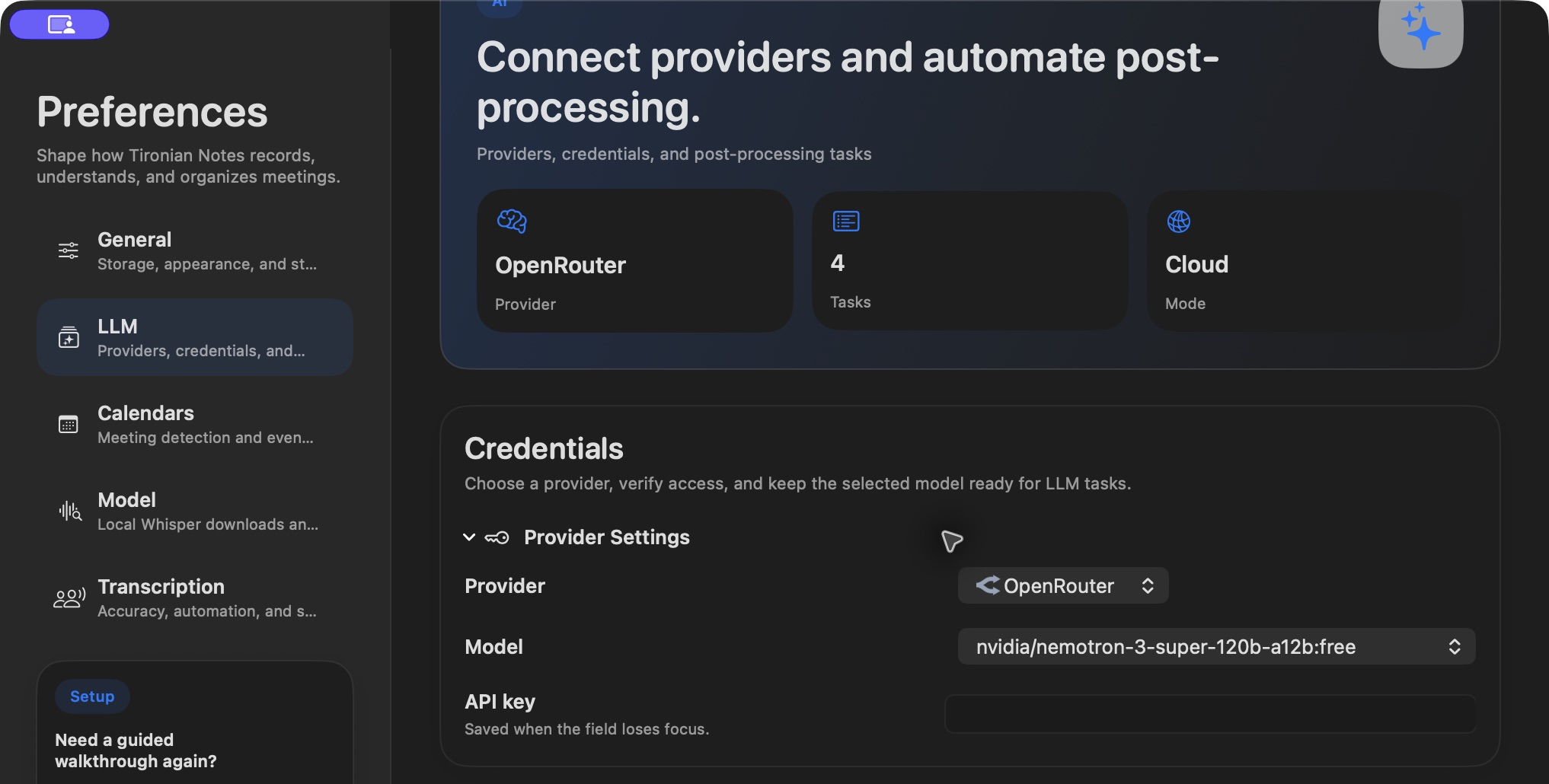
FEATURE GUIDE 19 · 1 MIN READChoose How Tironian Notes Generates AI Notes
Recording and transcription work locally.
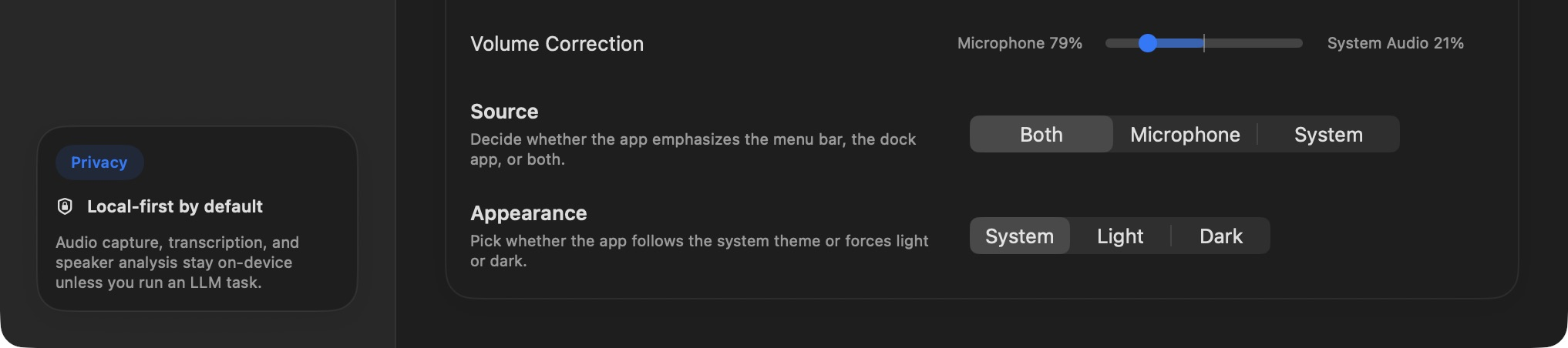
FEATURE GUIDE 20 · 1 MIN READBalance Your Microphone and System Audio
When you record Both sources, your microphone and the Mac's system audio are mixed into one file.
FEATURE GUIDE 21 · 1 MIN READFind the Right Meeting Again
The recording list becomes more useful as it grows.
 FEATURE GUIDE 22 · 1 MIN READ
Know Where Your Recordings and Transcripts Live
Tironian Notes saves the files you work with in an output folder you choose.
FEATURE GUIDE 23 · 1 MIN READSee What’s Processing Without Losing Your Place
Transcription, speaker analysis, and AI notes can take time.
 FEATURE GUIDE 24 · 1 MIN READ
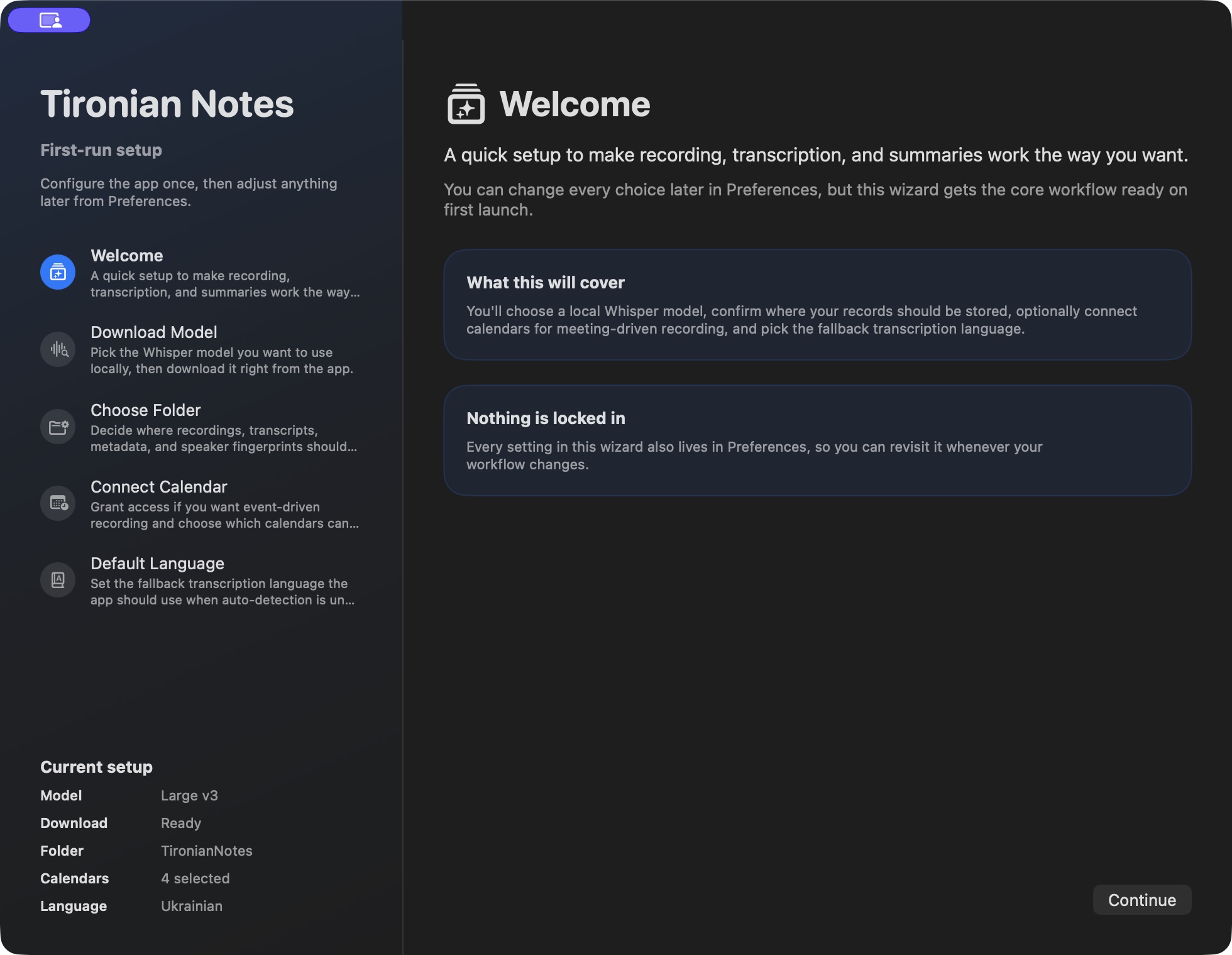
Set Up Tironian Notes in Five Steps
The first-run wizard gets the essentials in place before your first meeting.
FEATURE GUIDE 25 · 1 MIN READLet the App Point to the Next Setup Step
You do not need to finish every optional setting on day one.
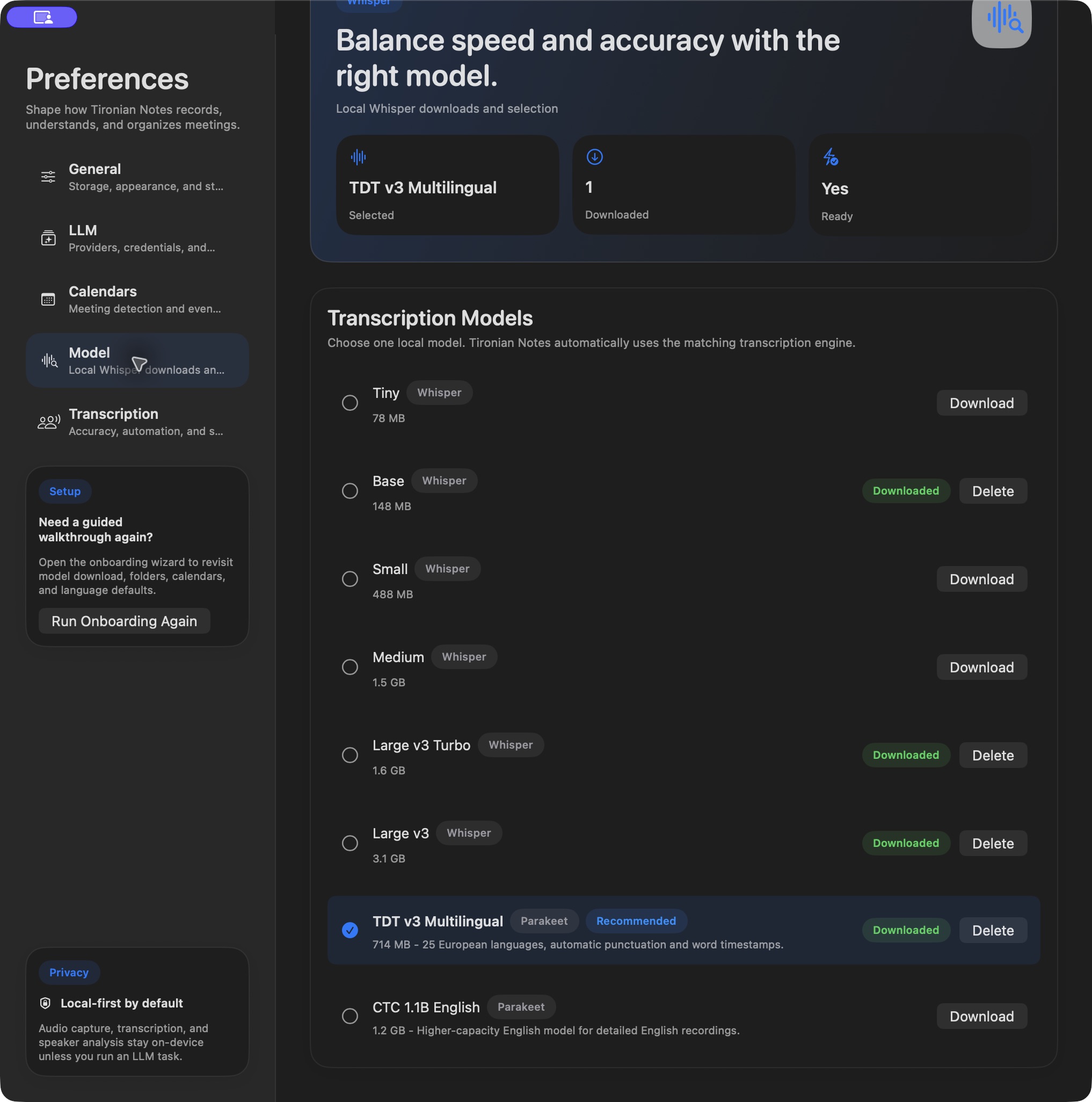
FEATURE GUIDE 26 · 1 MIN READChoose the Right Transcription Model and Language
The model and language settings shape the transcript you get from a recording.
FEATURE GUIDE 27 · 1 MIN READMake the Recording View Fit Your Workflow
The main window can emphasize the information you use most.
FEATURE GUIDE 28 · 1 MIN READKeep Tironian Notes Ready for the Next Meeting
A recording app is most useful when it is already running before the call starts.