
Join and Record Today’s Meeting from the Menu Bar
The Tironian Notes menu bar item can put today's linked meetings within reach even when the main window is closed. Open it, find the event, and choose the meeting action to open its link and begin or attach a recording.
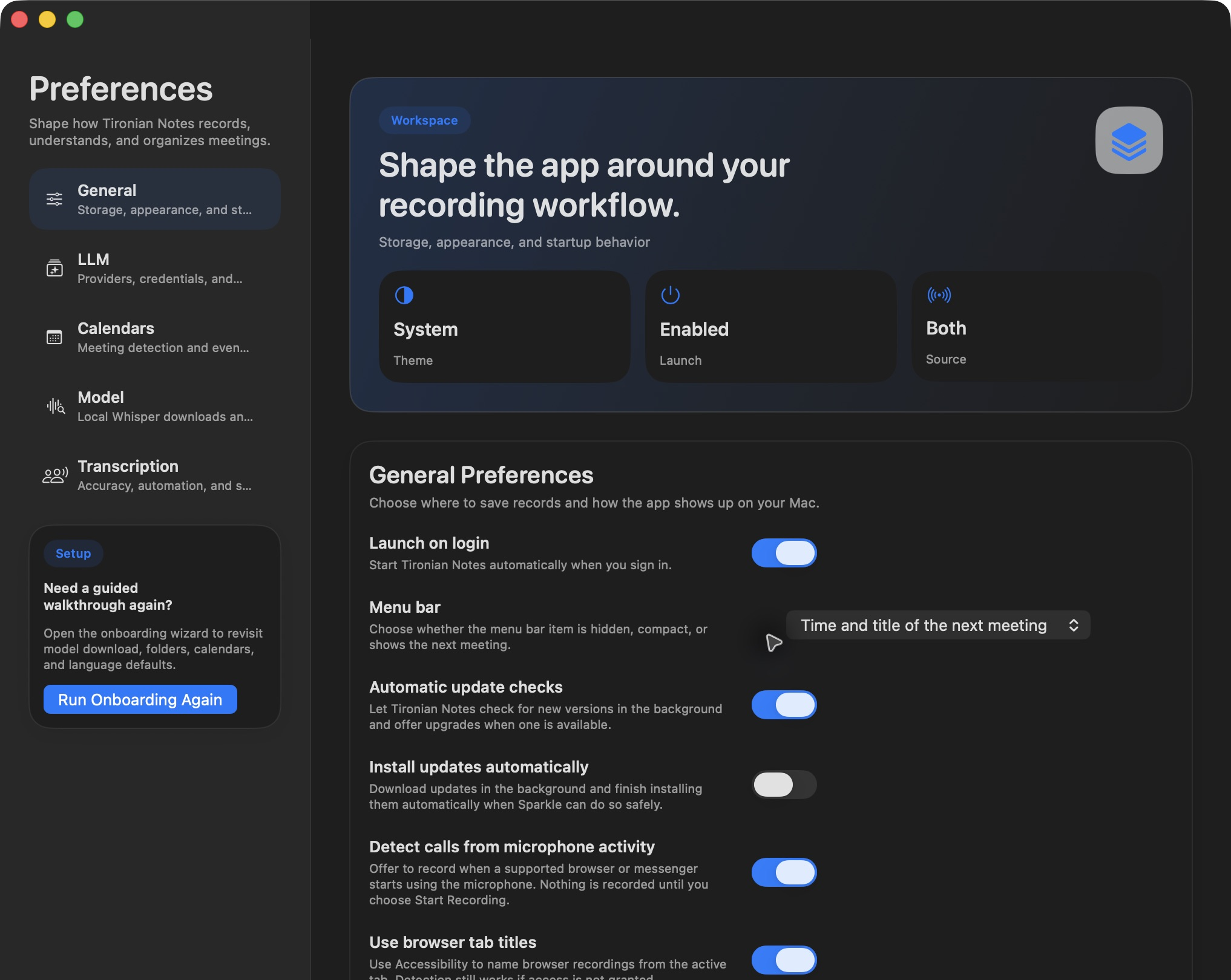
Choose how much meeting information the menu bar item displays in Preferences → General.
To populate the list, grant calendar access under Preferences → Calendars and select the calendars you want scanned. Only events with a recognized meeting link can offer a join action. At meeting time, open the menu bar item and select the event. The app opens the link in your default browser and associates the recording with that event, giving the resulting file a useful title and context.
This is a manual shortcut. If you want links opened on a schedule without clicking the menu, enable Join events automatically separately in Preferences → Transcription. Auto-recording is another separate choice.
The menu bar is most helpful for a day with several calls: you can check the next event, join the right link, and return to your work. Next, decide whether meeting links should open automatically.