
Open the Meeting Link When the Event Begins
If you join the same kind of calendar meeting every day, Tironian Notes can open its meeting link when the event begins. The setting is independent of whether the app also records that meeting.
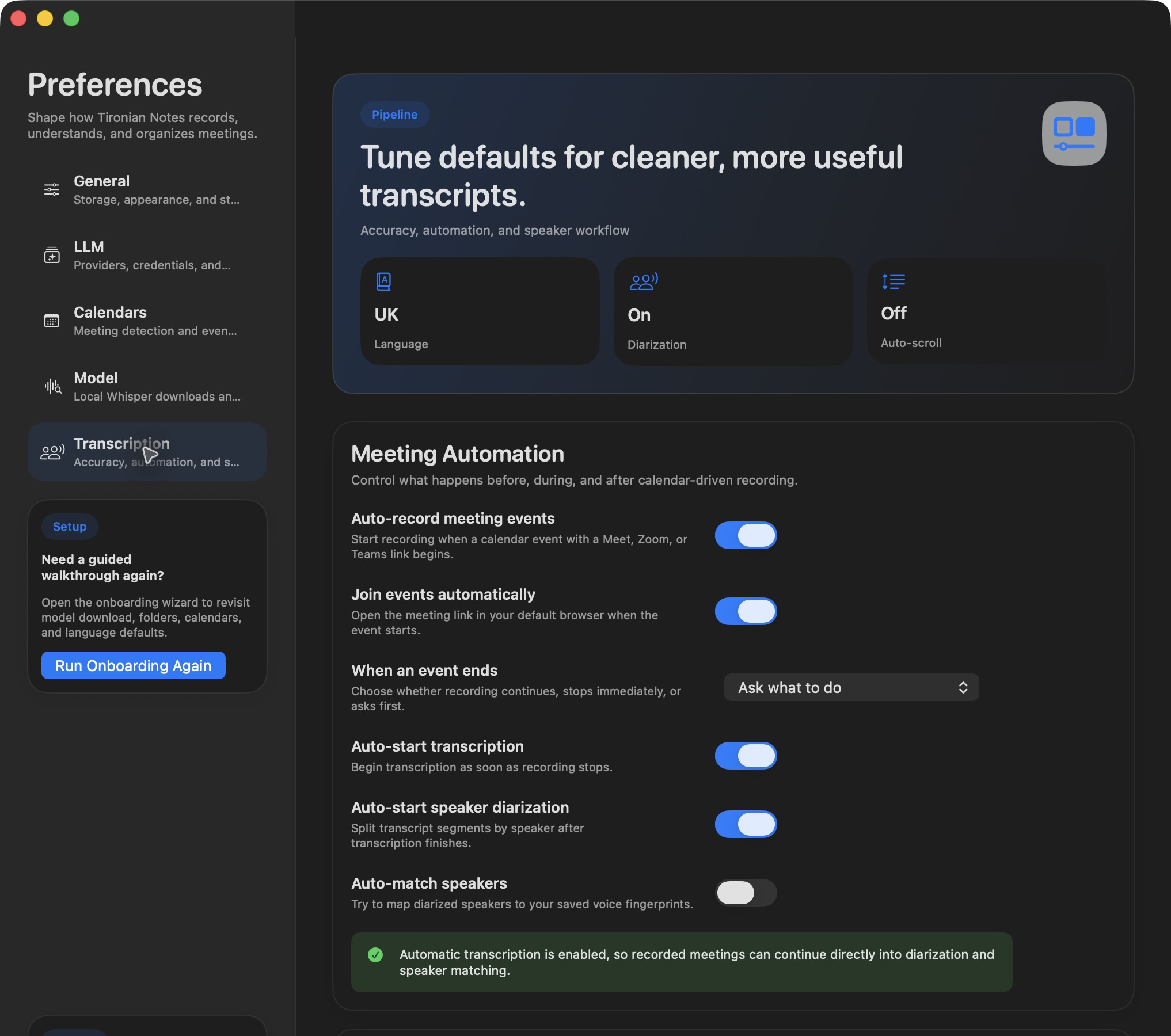
The two switches let you choose joining, recording, or both.
Start in Preferences → Calendars: grant calendar access and select the calendars to scan. Then enable Join events automatically in Preferences → Transcription. At the start of a selected event with a recognized Meet, Zoom, or Teams link, Tironian Notes opens that link in your default browser. An ordinary calendar reminder without a meeting link is not enough.
To record at the same time, also enable Auto-record meeting events. Leaving auto-record off means the link can open without starting a recording. Conversely, you can record eligible events without automatically opening the link.
Use a fictional test event to confirm that the right calendar and URL are selected. If your calendar often contains optional or tentative meetings, select only the calendars you want automation to act on. Next, choose what happens when an event ends.