
Let the App Point to the Next Setup Step
You do not need to finish every optional setting on day one. Tironian Notes can show one inline tip for the next incomplete setup action, with a button that opens the relevant Preferences section.
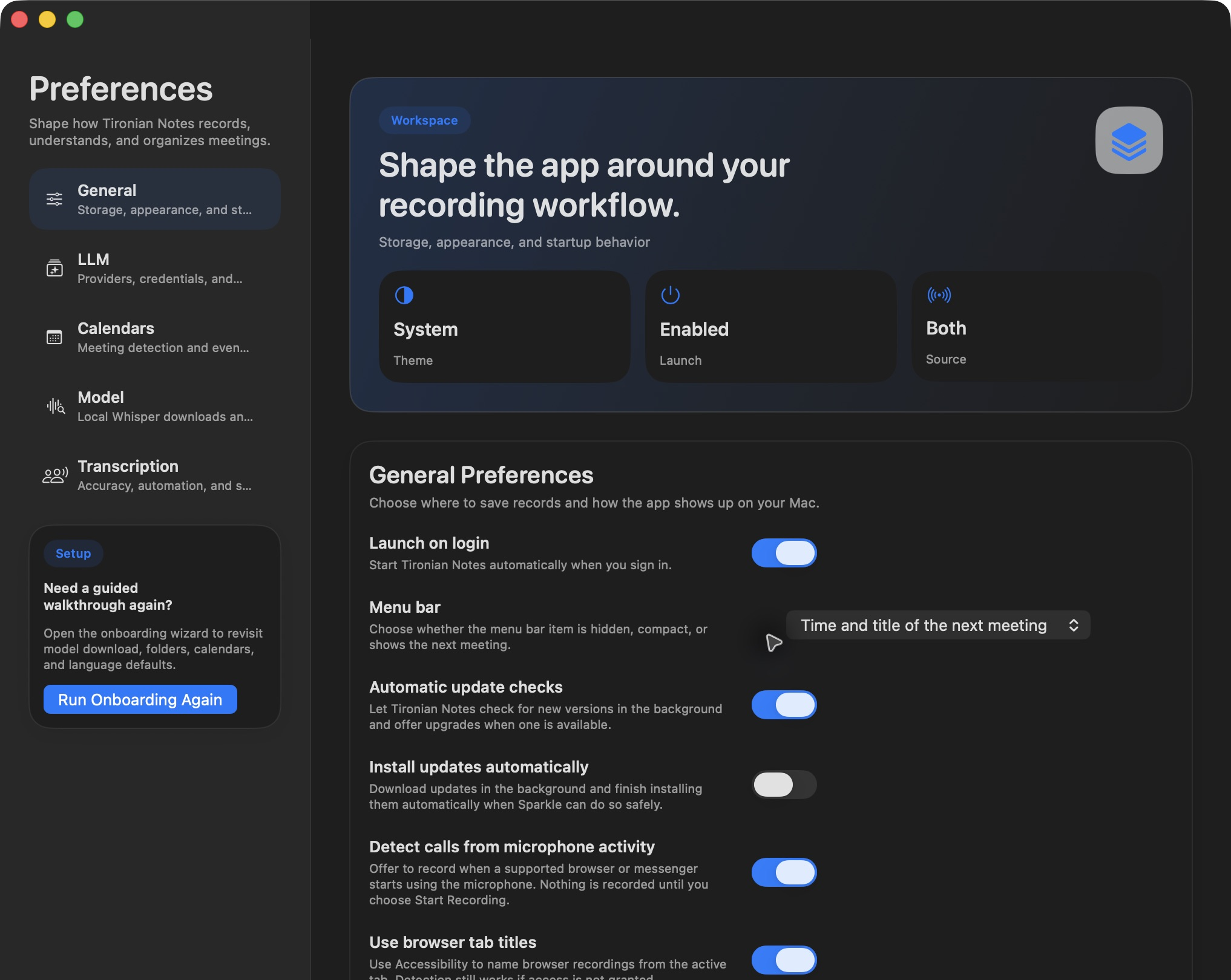
The setup card offers a way back to the guided wizard; inline tips use the same Preferences areas.
Tips can point to an output folder, calendar access or selection, meeting automation, a transcription model, a default language, speaker processing, or an LLM provider and task. The app gives priority to a step that needs action, rather than stacking every possible suggestion on screen. Once a step is complete, its tip no longer appears. You can dismiss a tip you do not need.
When an inline tip appears above the player, read its single requested action and use its button to open the right settings tab. That is often faster than searching every preference panel. If you prefer a complete walkthrough, the Run Onboarding Again button in Preferences revisits the guided setup.
Start with the folder and model if you want only manual recording and transcription. Add calendar or LLM features when your workflow needs them. Next, fine-tune your model and language defaults.