
Choose the Right Transcription Model and Language
The model and language settings shape the transcript you get from a recording. Tironian Notes offers local Whisper and Parakeet models; download and select a model before you transcribe.
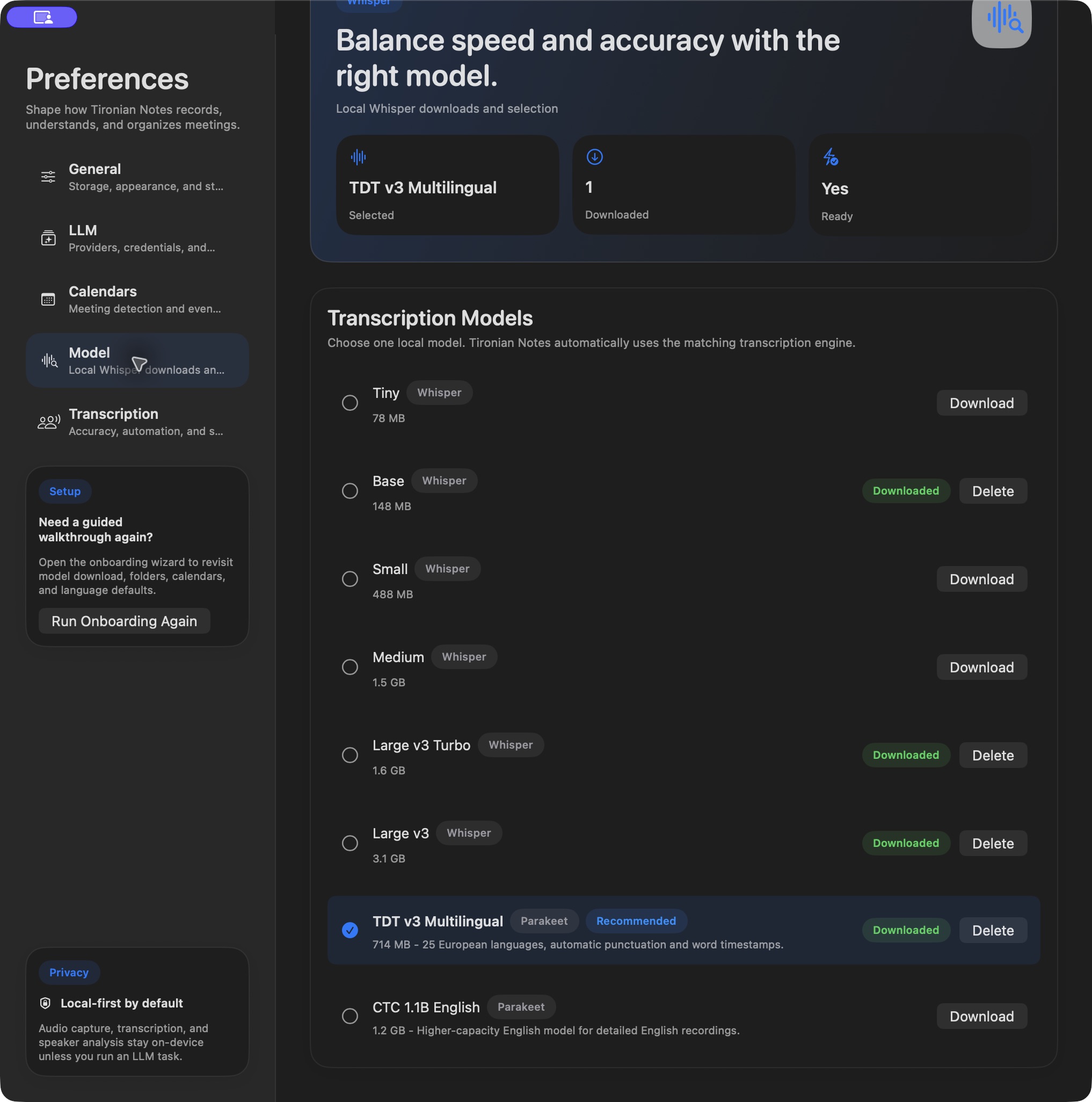
Model downloads and selection live in Preferences → Model.
For Whisper, the app can detect the spoken language automatically. Set a Default transcription language as a fallback for low-confidence detection, and adjust the language-confidence threshold in Preferences → Transcription if necessary. This is useful for a noisy call or a short recording with too little speech to detect reliably.
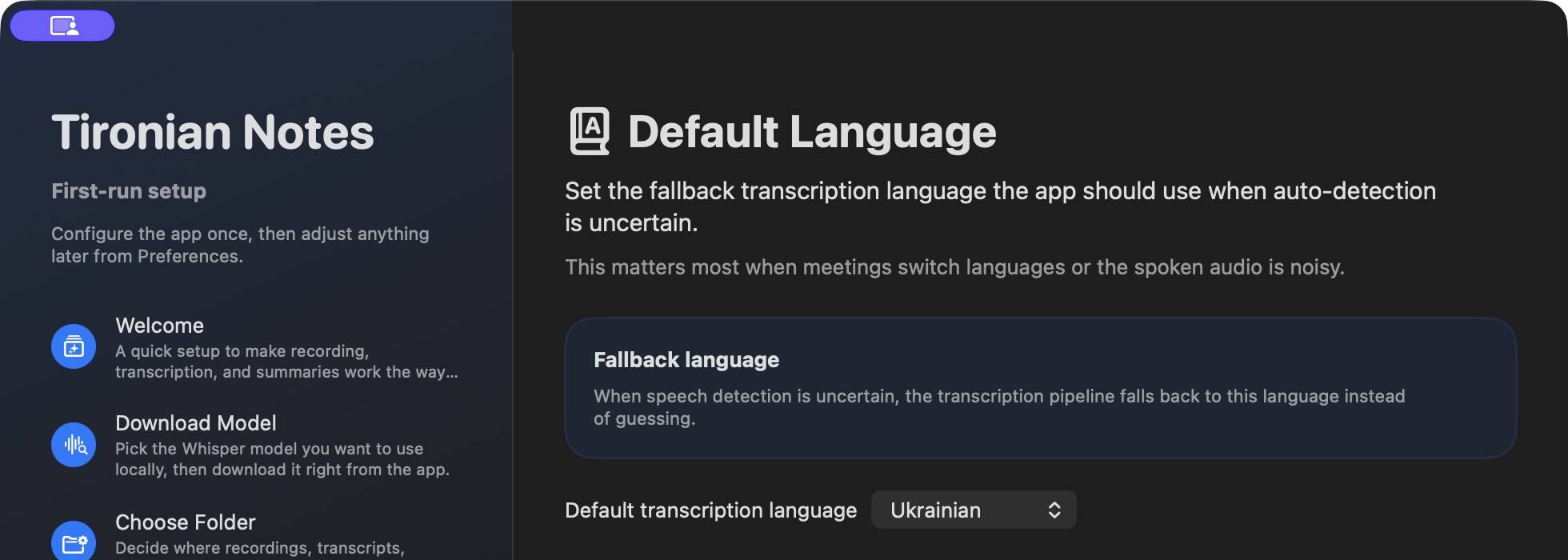
The fallback language is used when automatic detection is uncertain.
Parakeet has its own supported languages and controls. When Parakeet is selected, the Whisper-specific default-language, temperature, and confidence controls do not govern that model. Check the message in Transcription Preferences before trying to solve a Parakeet issue with a Whisper setting.
No single model is best for every Mac or language. Test two short recordings with the kinds of voices and background noise you actually encounter, then keep the model whose transcript you can verify most easily. Next, arrange the recording workspace.