
Avoid an Hour of Accidental Silence
It is easy to leave a recording running after everyone has left. Tironian Notes watches the audio sources being recorded and can ask whether to stop after a full minute of silence.
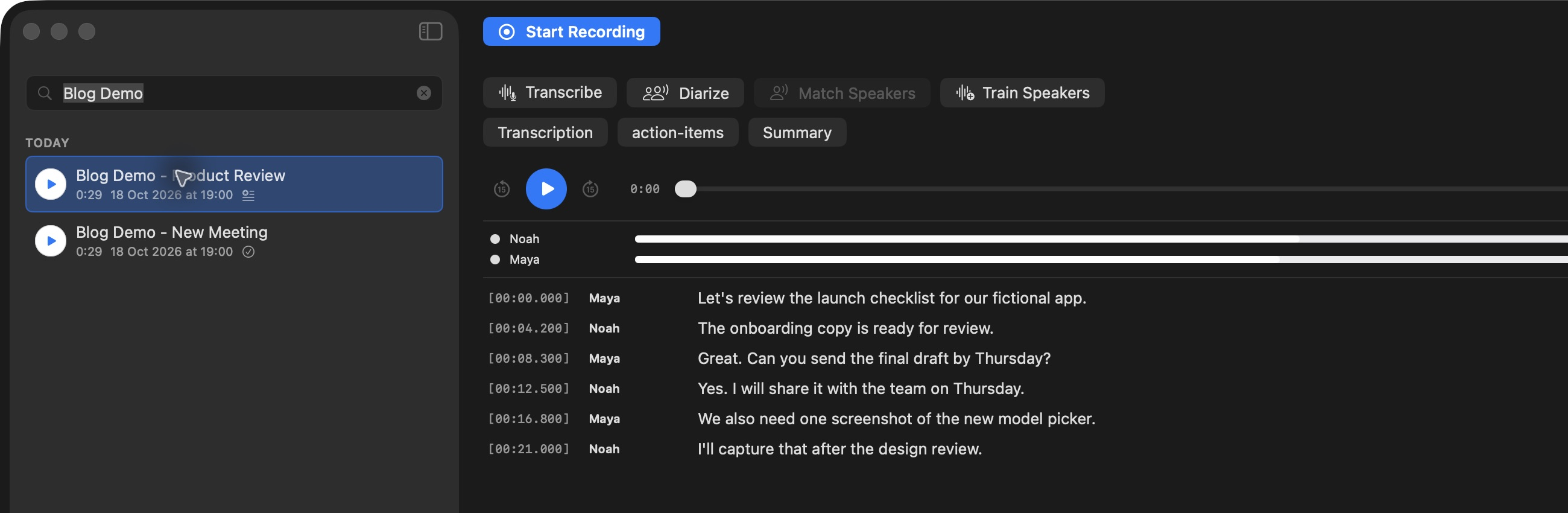
The recording control and sidebar make it easy to confirm whether capture is still active.
After 60 seconds of continuous silence, the app shows Recording has been silent for a minute with Stop Recording and Keep Recording choices. A further 60-second countdown automatically selects Stop Recording if you do not respond. If monitored audio returns while the prompt is open, the prompt closes and its countdown is canceled. You get one prompt for that silent stretch.
The watchdog follows the selected recording source: microphone, system audio, or both. A quiet pause in a real meeting may therefore trigger a question, but it is not an immediate cutoff. Choose Keep Recording when participants are about to continue. If the call is truly over, stop it and move on to transcription.
There is no user-facing silence threshold to tune. For an important session, glance at the app's timer when the meeting resumes. Next, use the menu bar countdown to keep the next meeting in sight.