
Choose How Tironian Notes Generates AI Notes
Recording and transcription work locally. AI notes are optional, and you choose which LLM provider runs those tasks. Tironian Notes supports OpenAI, Anthropic, Gemini, OpenRouter, and a local Ollama endpoint.
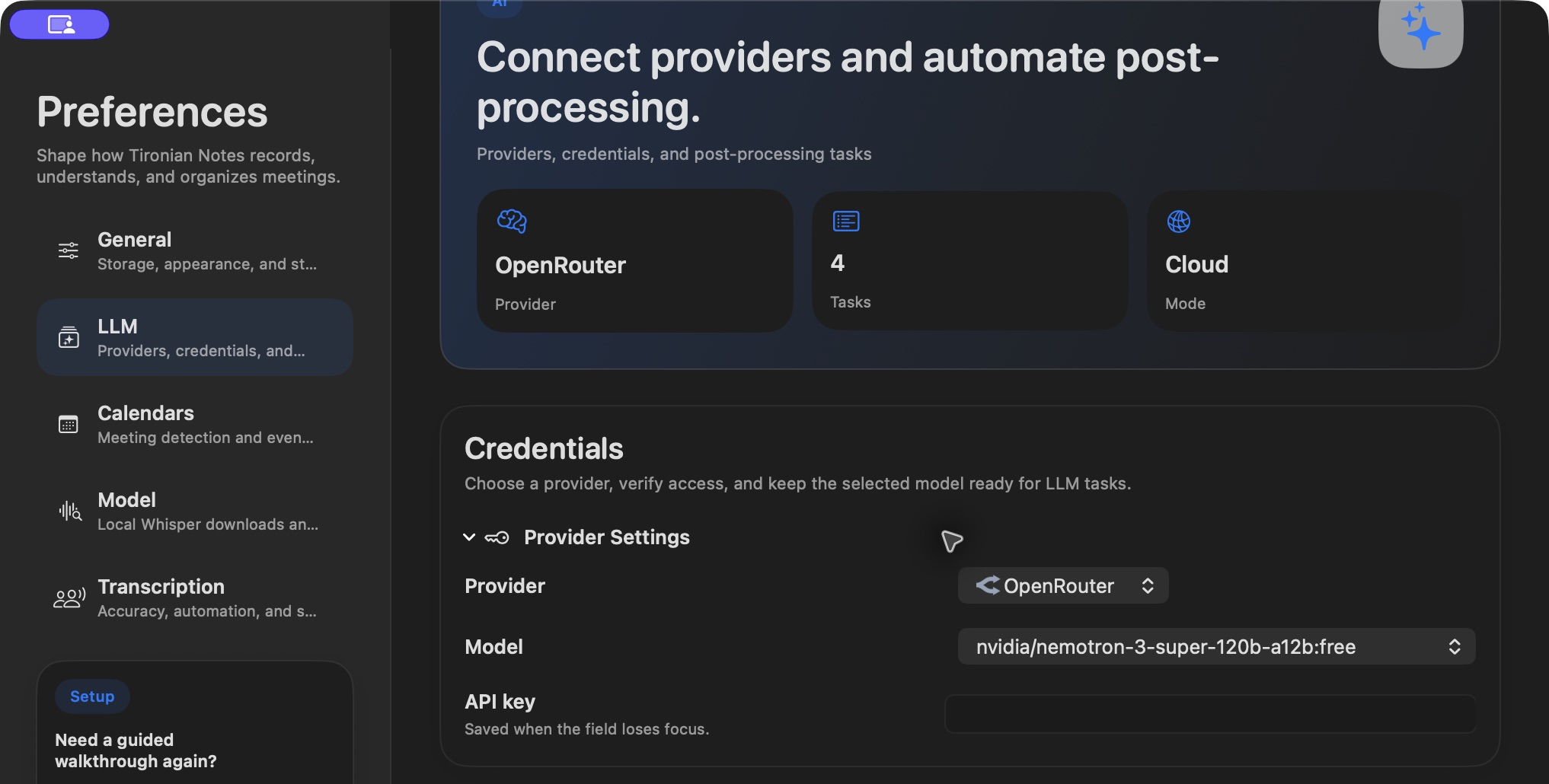
Choose a provider and model in Preferences → LLM; credential values are kept out of this image.
Select the provider, configure its model, and enter a required API key when using a cloud service. The app stores provider credentials in macOS Keychain. With Ollama, configure the local service URL and model instead. Model availability and quality depend on the provider and the models you have access to, so test a short transcript before making a task automatic.
The privacy difference is straightforward: a cloud task sends transcript text to that provider for processing. An Ollama task can process it locally, assuming your Ollama service runs on your machine. Neither choice changes where the audio capture and transcription happen. If a transcript contains sensitive material, review the provider choice before triggering a task.
Try one manual summary with a fictional meeting, inspect its Markdown tab, and adjust the prompt before enabling an automatic trigger. Next, balance microphone and system audio at capture time.