
Keep Tironian Notes Ready for the Next Meeting
A recording app is most useful when it is already running before the call starts. Tironian Notes can launch when you sign in and can check for app updates in the background.
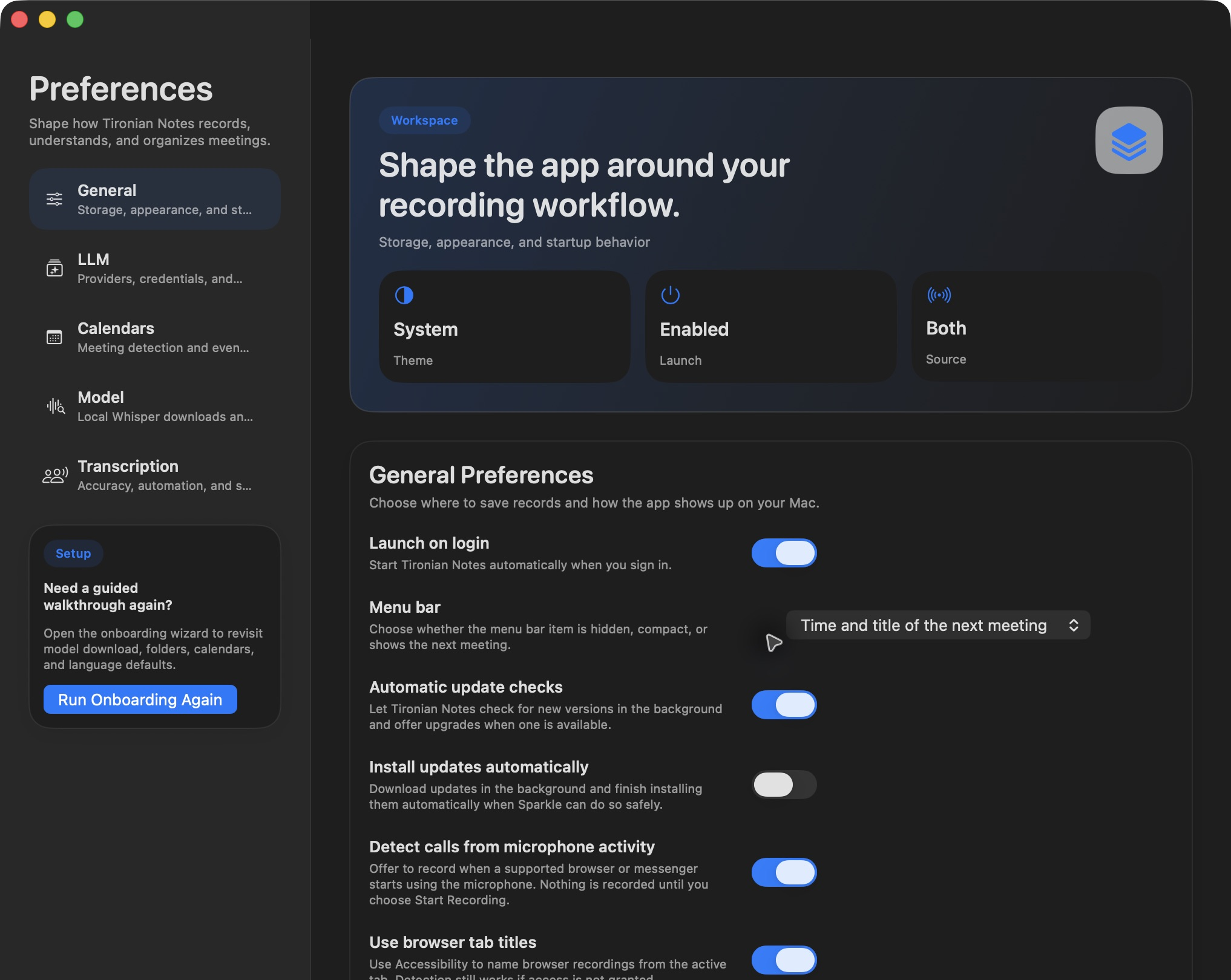
Startup and update options are grouped in Preferences → General.
Turn on Launch on login if you want calendar and call-detection features ready after you sign in. Automatic update checks lets the app look for new versions and offer an upgrade. Install updates automatically goes further, allowing supported updates to download and install in the background when the updater can do so safely. Choose that option based on how much control you want over update timing.
You can also use the app's Check for Updates… command when you want to check manually. Update controls use Sparkle, the macOS updater built into Tironian Notes. If you rely on an always-available menu bar item, verify both launch-on-login and the menu bar display mode in General Preferences.
After changing startup behavior, check that the app appears as expected at your next sign-in. For the complete workflow, return to capturing both sides of a conversation.