
Get a Meeting Summary Without Rewriting Your Notes
A transcript preserves the conversation, but a summary makes it easier to pick out decisions and next steps. Tironian Notes can run a post-processing task after transcription and show its Markdown result as another tab beside the transcript.
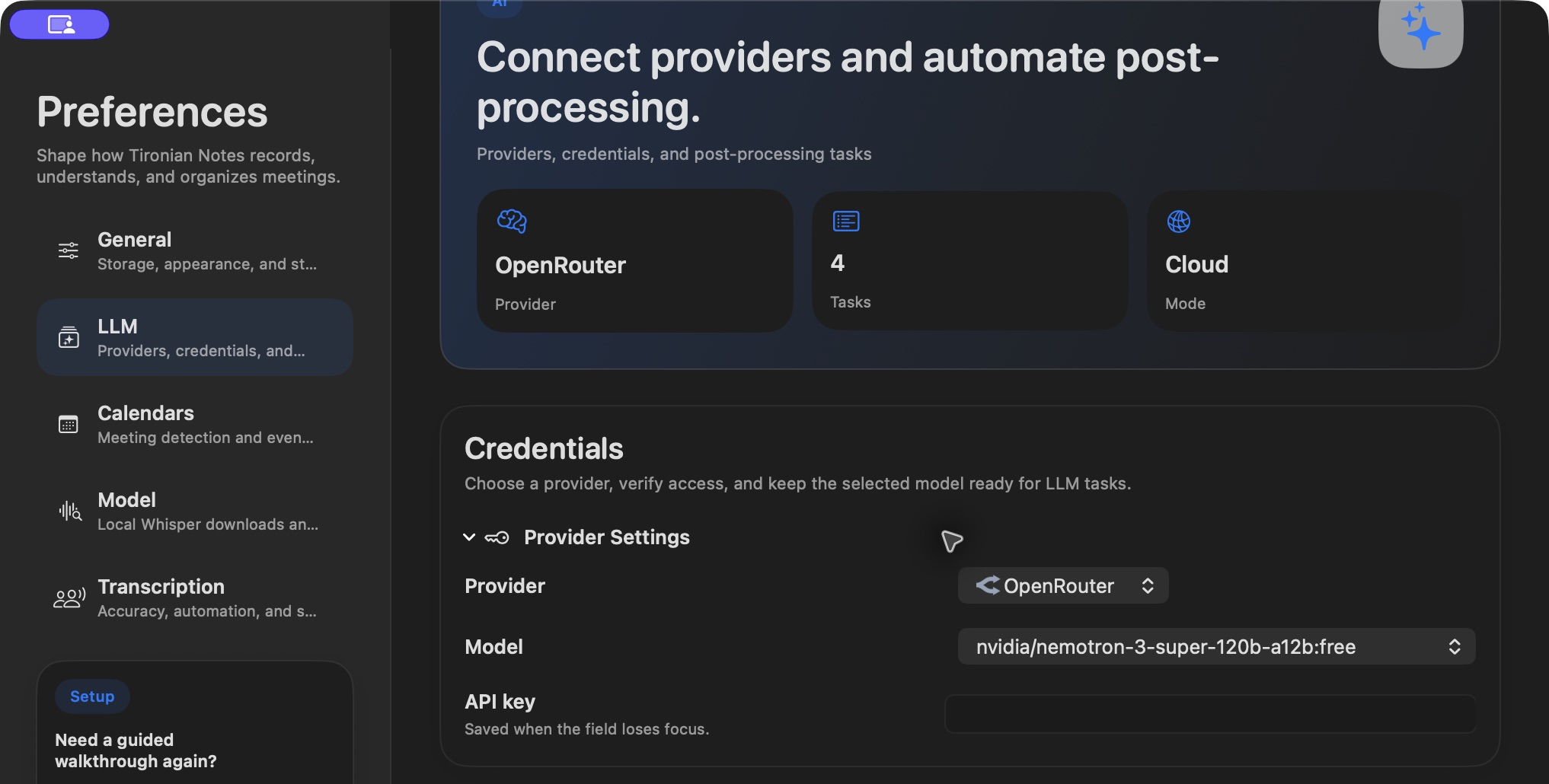
Choose a provider and model under Preferences → LLM. Credential values are omitted from this image.
Create a task named Summary with a prompt such as: “Summarize the decisions and next steps. Do not invent owners or dates.” Set its trigger to Transcription if you want it to run when a transcript is ready, or choose manual-only execution when you prefer to review the transcript first. After the task finishes, open the Summary tab.
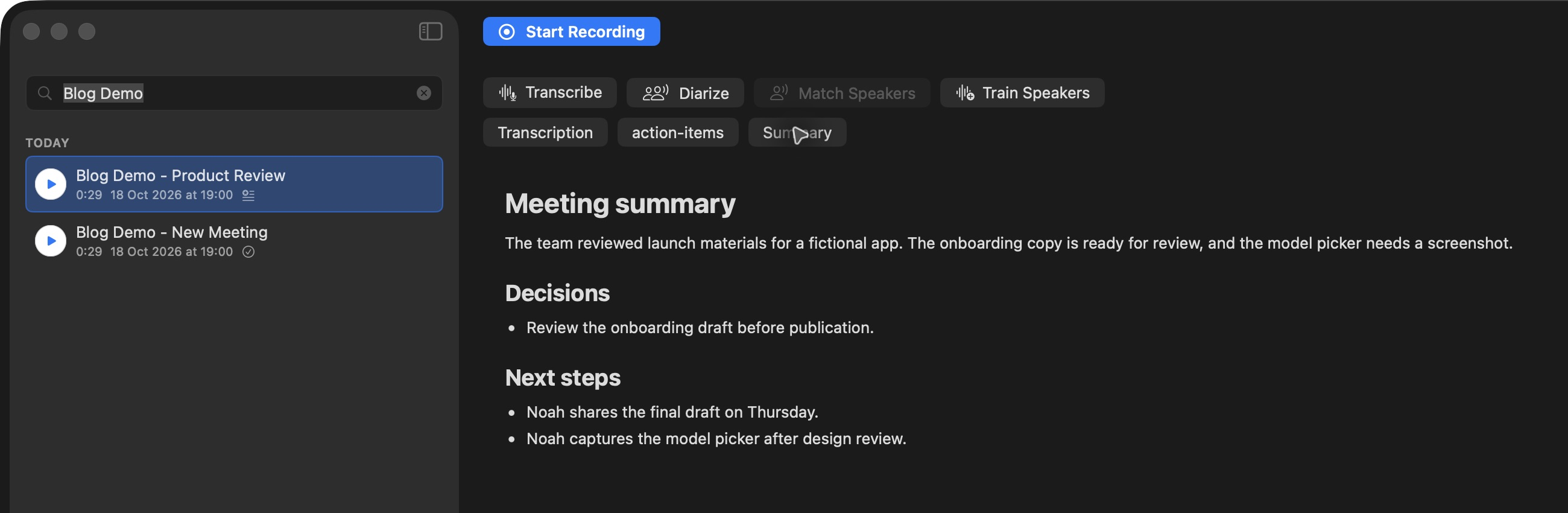
The summary is a separate Markdown result; the original transcript stays available in its own tab.
Provider choice matters for privacy. With a cloud provider, transcript text is sent to that provider for the task. With a local Ollama setup, the LLM task can run locally. Recording and transcription remain local either way. Read the result against the transcript before sharing it: a summary can omit nuance or misstate a commitment.
Try a short, focused prompt on one recording. Next, see how speaker labels make the transcript clearer.