
Finish Recording and Let the Next Steps Run
The recording can become a searchable, speaker-labeled transcript without three separate clicks. Tironian Notes offers an optional chain: transcribe first, diarize the transcript next, then try to match its speakers to your library.
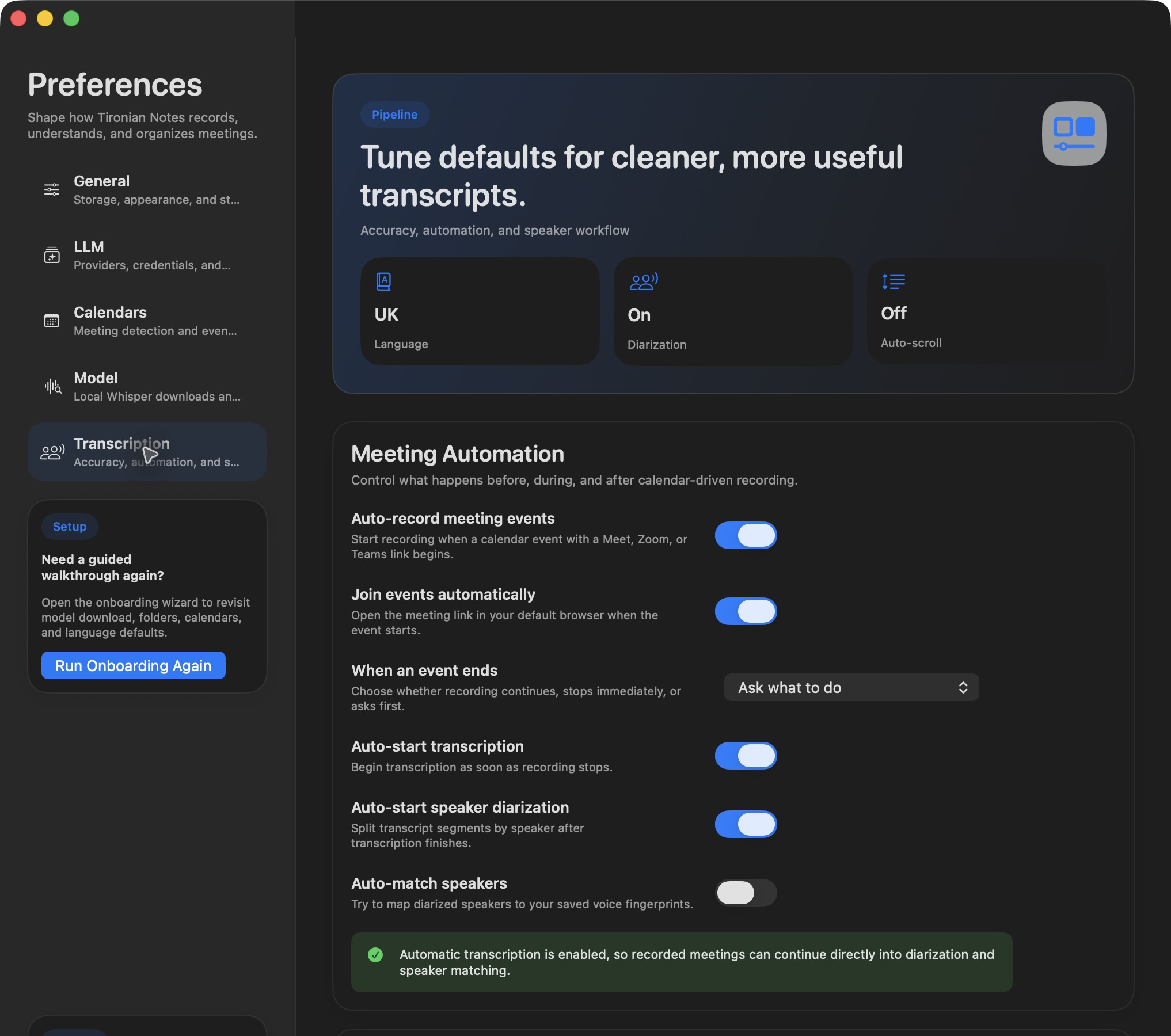
Each switch controls one stage of the processing chain.
Open Preferences → Transcription. Turn on Auto-start transcription to process a recording after it stops. Turn on Auto-start speaker diarization to split the resulting transcript by voice. Turn on Auto-match speakers if you have trained known voices and want the app to try matching them. The later switches depend on the earlier stages; matching cannot use a transcript that has not been diarized.
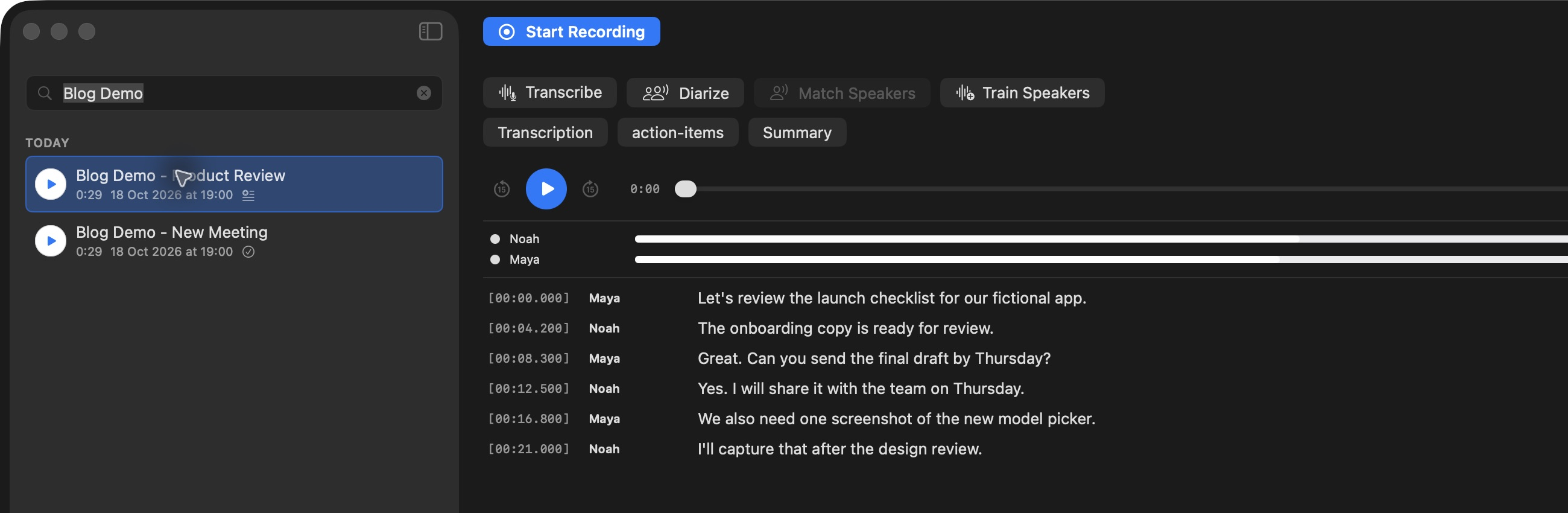
The destination is still an editable transcript, even when processing starts automatically.
If a stage is disabled, you can run it manually from the recording view or context menu. The work is queued, so a long transcription or another heavy task may finish before the next step starts. When processing ends, check the text and speaker names against the audio; automation saves clicks, but it does not make every word or identity certain.
Try the chain on one short meeting first. Next, set up a call recording reminder.